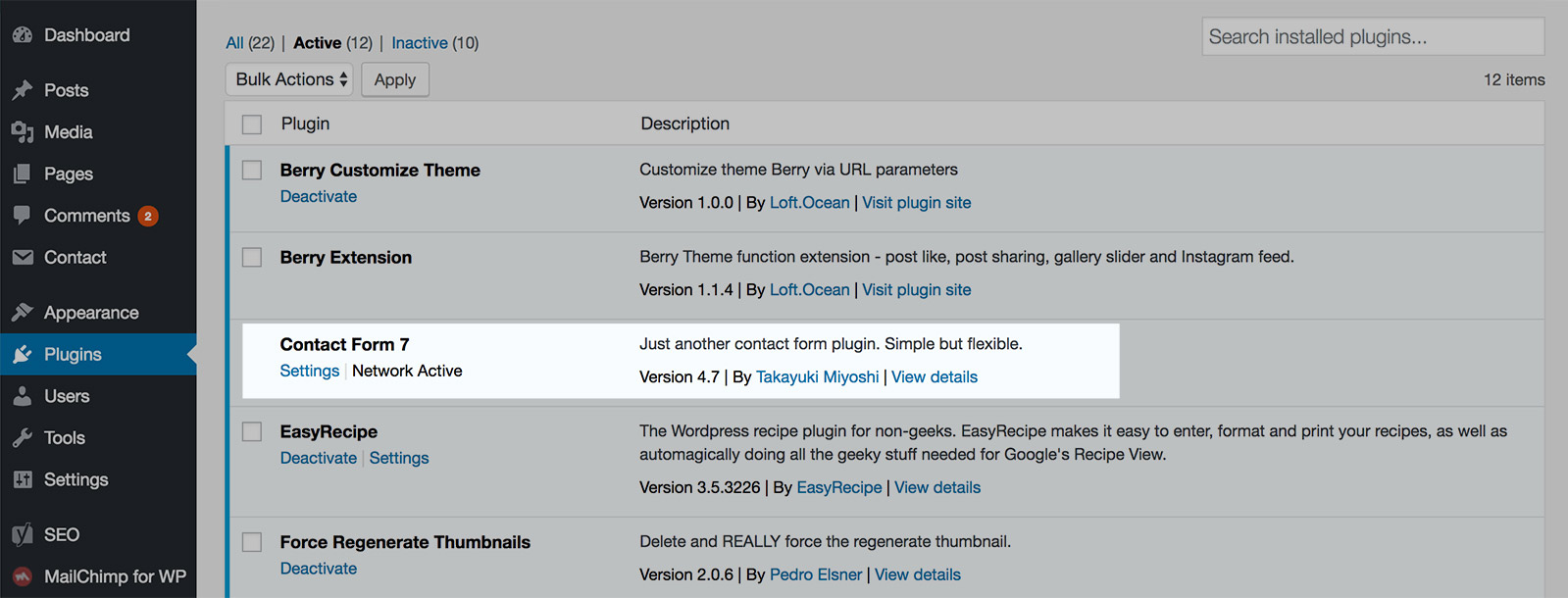
We recommend use Contact Form 7 (https://wordpress.org/plugins/contact-form-7/) to create the contact form, it’s free and very popular, and that’s what we use on the demo site.
And we have included it as one of the recommended plugins to install while installing the theme.
Add a contact form to a page
When your site installed and activated the plugin Contact Form 7, you can find Contact in the dashboard left sidebar. Click on it, there you can create new forms and manage all existing forms.
Create a contact form, then copy its shortcode.
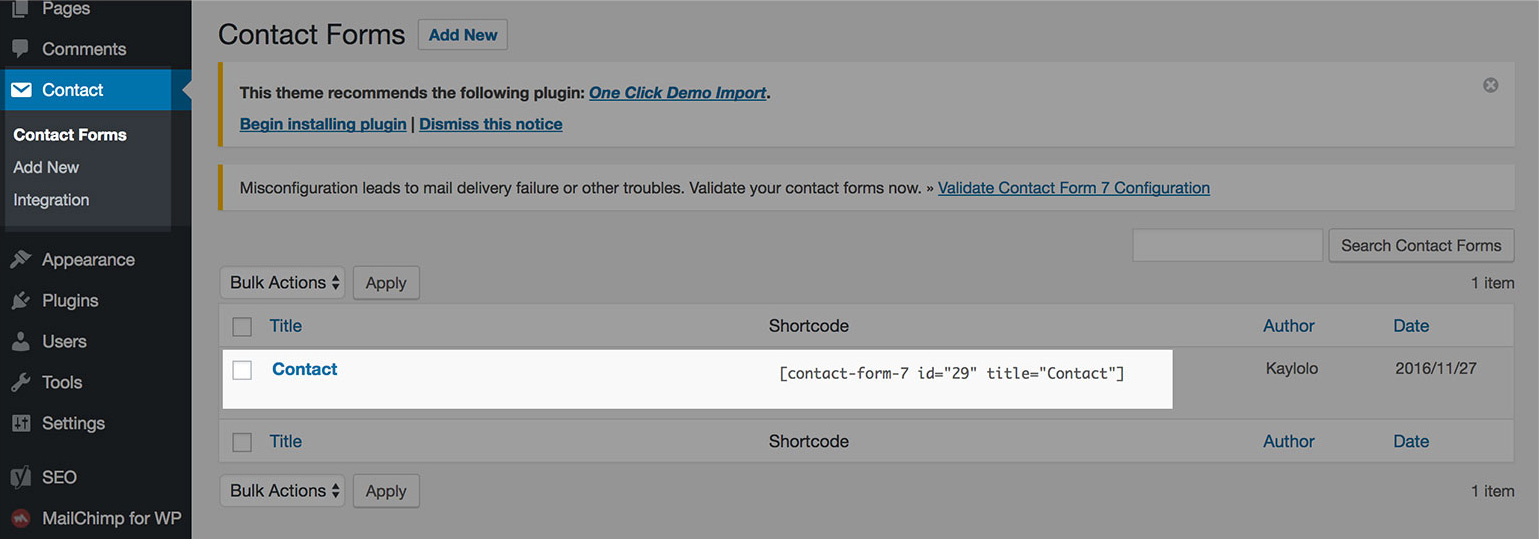
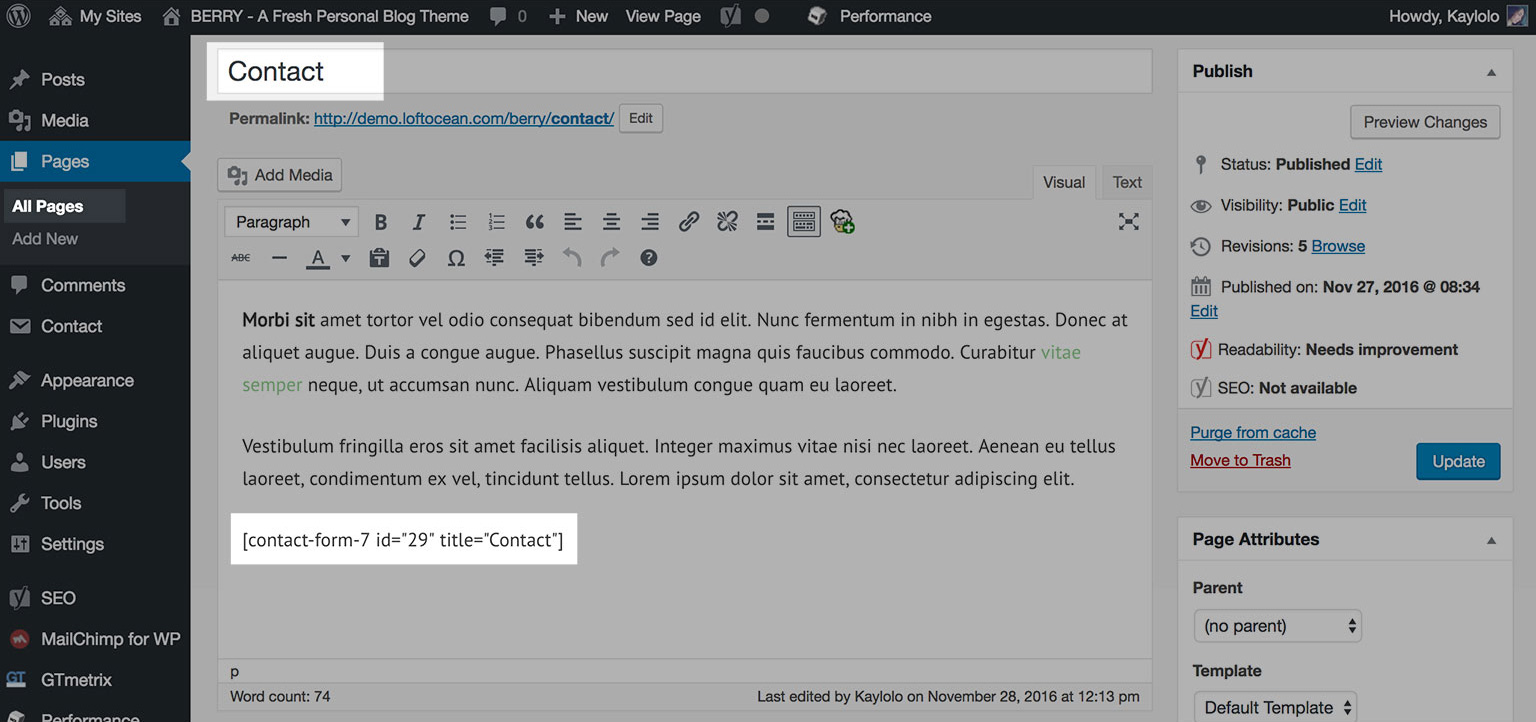
You can add the shortcode into a post or a page. For example, create a page “Contact”, then paste the shortcode into content, then publish.
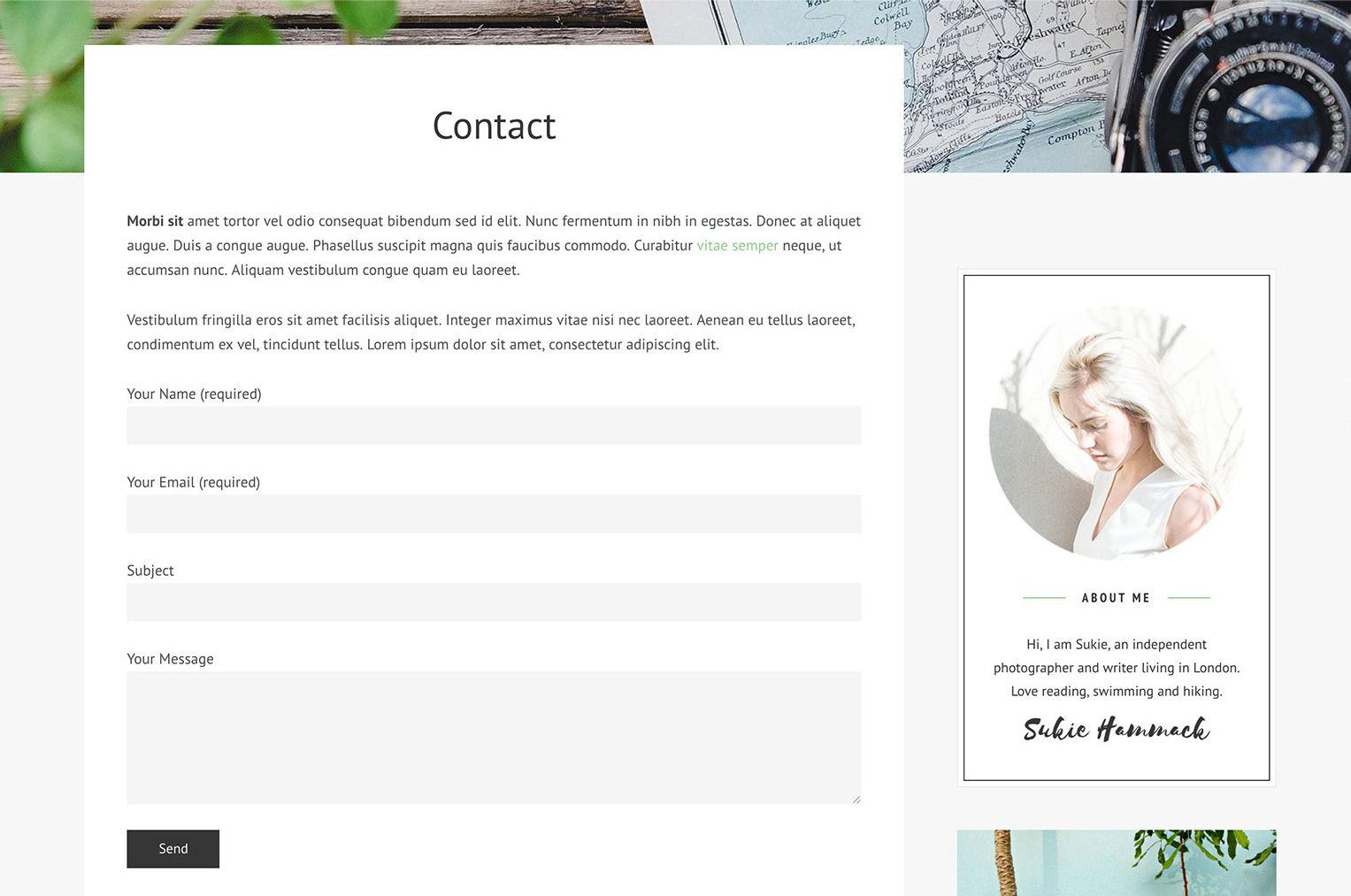
And below is a screenshot of the Contact page with a contact form on our demo site.
Contact Form 7 Documentation
To learn more about how to use Contact Form 7 plugin, please check its official documentation: https://contactform7.com/docs/